AI-generated summary
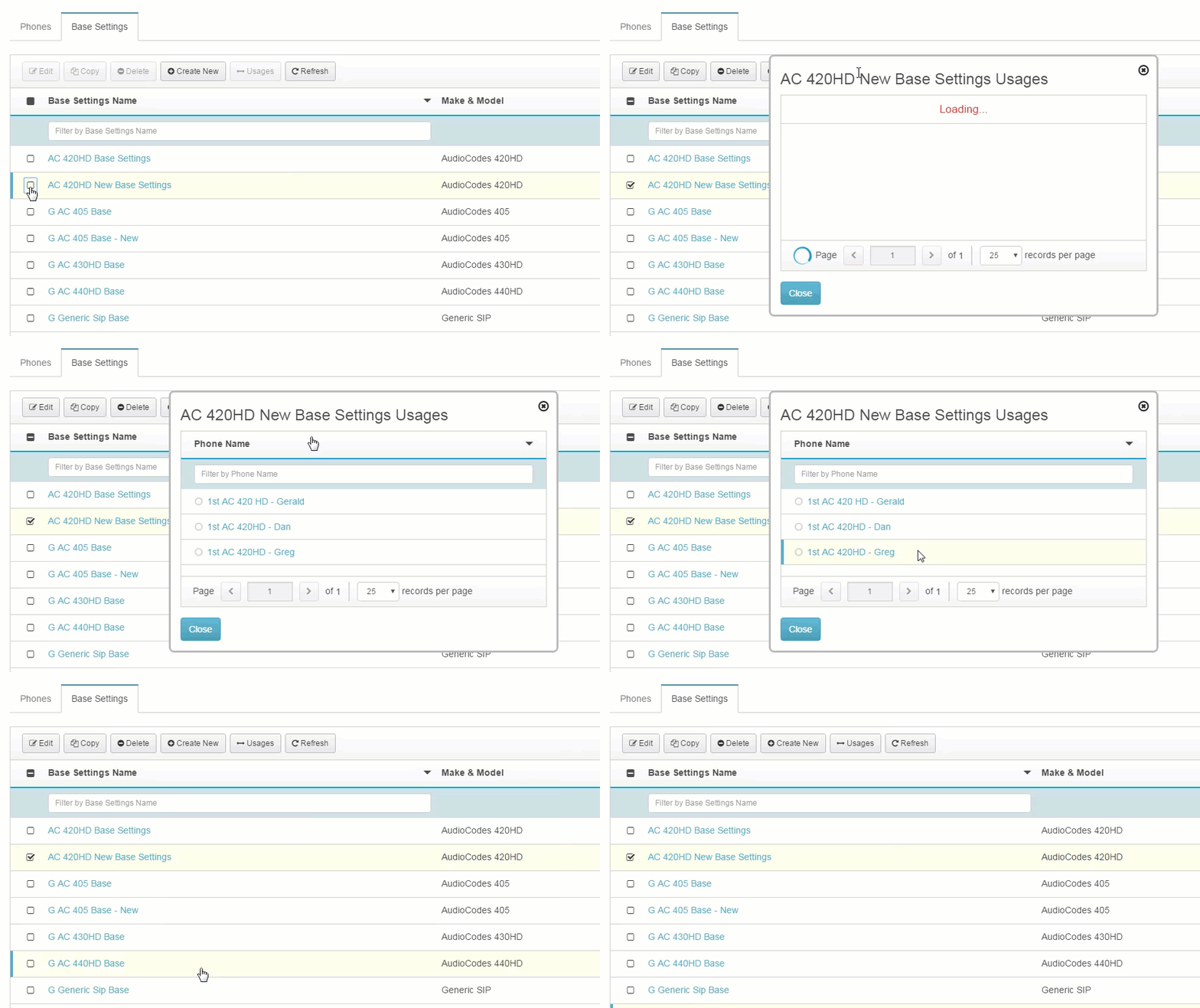
Genesys Cloud provides a Usages feature within its Phone Management system that enables administrators to track which phones are assigned to specific base settings. To access this functionality, users with Telephony > Plugin > All permissions navigate to Menu > Digital and Telephony > Telephony > Phone Management, select the Base Settings tab, check the box next to the desired base settings, and click Usages. The system then displays all phones utilizing the selected base settings configuration, allowing administrators to view and access these phone assignments. This capability supports telephony resource management and configuration tracking within Genesys Cloud deployments.