AI-generated summary
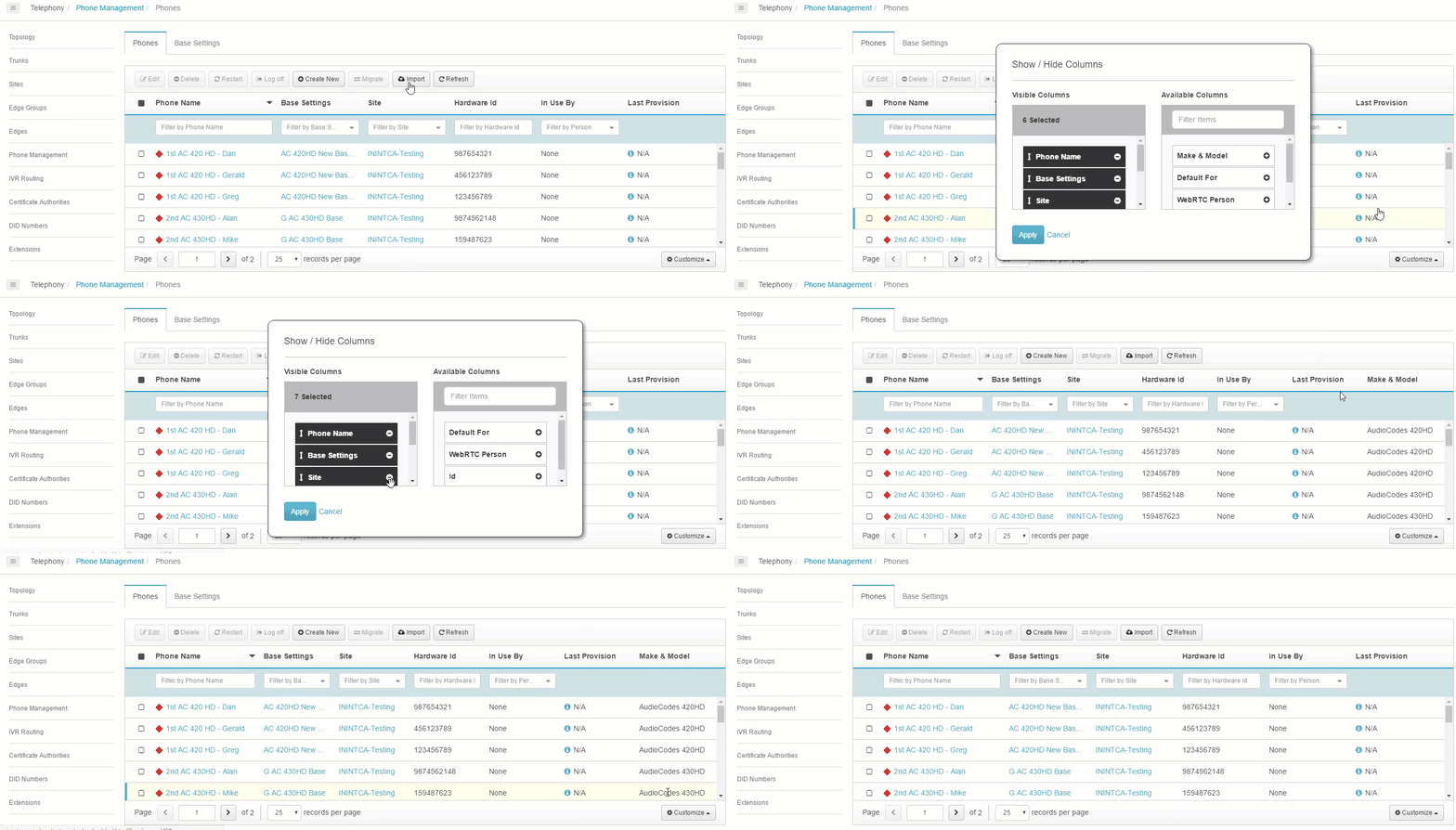
Genesys Cloud enables administrators to customize column displays on the Phone Management's Phones and Base Settings tabs to tailor information visibility according to organizational needs. Users with Telephony > Plugin > All permissions can access this feature by navigating to Menu > Digital and Telephony > Telephony > Phone Management, then selecting the desired tab. The customization interface, located in the lower right corner via the Customize button, provides a Show/Hide Columns dialog where administrators can add columns by clicking plus icons next to available options or remove columns by clicking minus icons next to visible selections. Changes are applied immediately upon clicking the Apply button. The system also includes a Reset to Defaults option that restores the original column configuration if customizations need to be reverted. This functionality allows flexible management of displayed phone and base settings information without affecting underlying system data or configurations.